
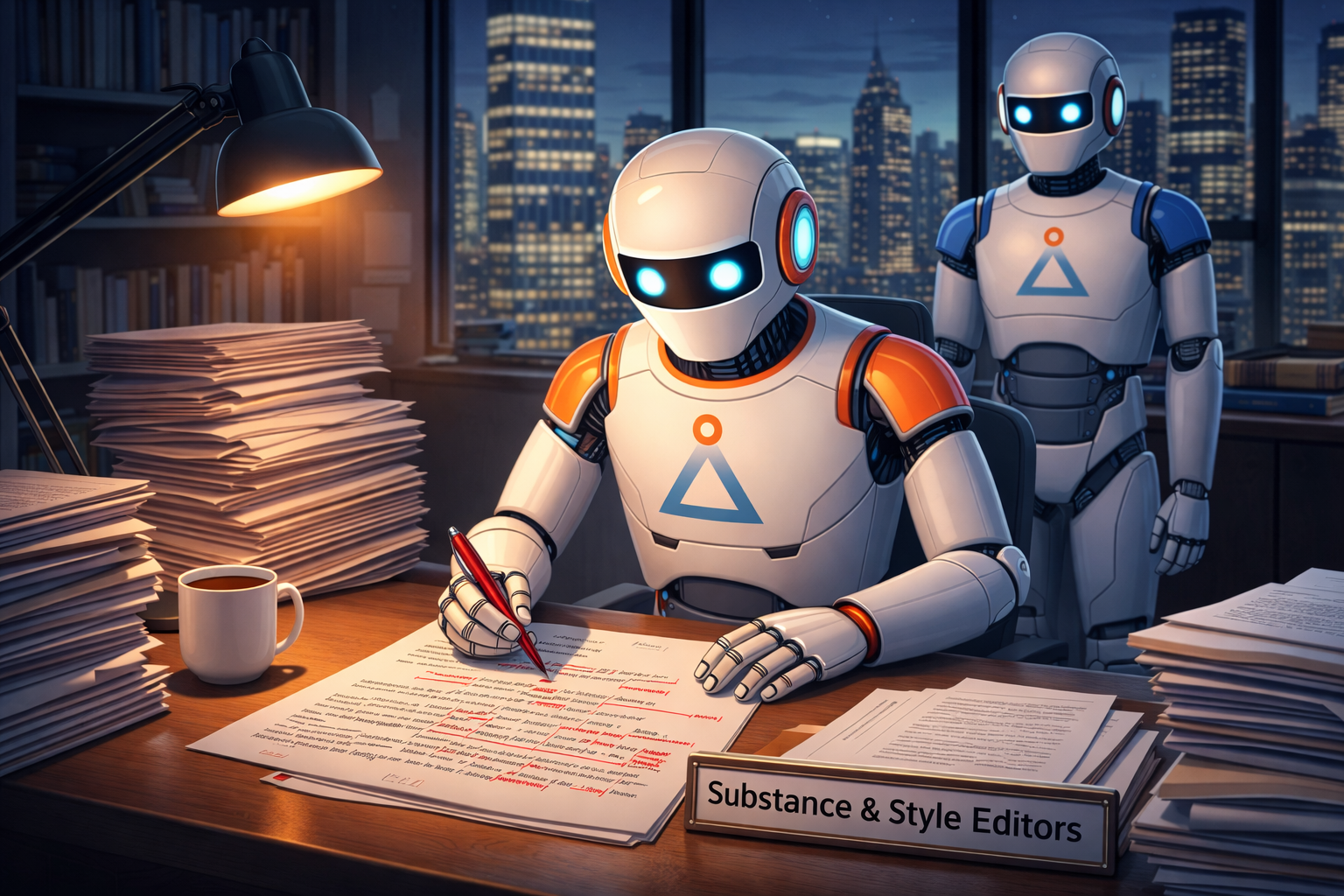
Writing with AI can be tricky because you risk losing your voice and dumbing down your content. Personally, I write my own content and rely on ChatGPT only for editing advice. The key word here is “advice” because letting the AI autonomously edit your work risks diluting your brand and losing your personal, unique voice.
Asking For Advice
I always ask ChatGPT for lists of suggestions, but never let it make the actual edits. It’s an issue of trust, tone, and authenticity. I typically find that some of ChatGPT’s suggestions are:
- Irrelevant – ChatGPT didn’t understand the audience and the goals,
- Weird – the model hallucinated, or
- Off – not my tone or style.
But what’s left after all of this dross tends to be really good and helpful, pointing out gaps in my logic and making my work more understandable. The point here, is to view the AI as an advisor not an autonomous agent.
Two Key Editors
Operationally, below is the editing system that I follow. To maximize editing suggestions from ChatGPT, I iteratively work with two distinct AI editors that I have created: “Substance” and “Style.”
Substance & Structure Editor – focused on meaning
- Quality and completeness of ideas
- Strength of arguments
- Organization
- Appropriateness for audience and communication goals
Style & Mechanics Editor – focused on clarity
- Grammar, spelling, and punctuation
- Readability
- Usage and consistency
- Formatting
Editing with ChatGPT is an iterative process. First, I will run through the Substance Editor, implement the suggestions that I think make sense, then run it through again to make sure that I didn’t create new issues.
Second, I follow a similar process with the Style Editor: get suggestions, make desired corrections, and then run through again as a final check before publishing.
Prompting The Editors
Below are the prompts that I used to edit this article. I have [bracketed certain words] that are specific to this piece – if you use these prompts just replace [those] with your own words.
Substance & Structure Editor prompt:
“The attached file is [going to be used as a LinkedIn article and a blog post on www.peakpointsolutions.pro]. The intended audience is [educated marketing and strategy professionals]. The goal of the file is [to communicate that it is valuable to edit your work with AI, but you need to be careful and deliberate about how you do it]. Please act as a professional editor and review the document for substance and structure. Specifically evaluate: quality and completeness of ideas, strength of arguments, organization and structure, as well as appropriateness for the audience and communication goals. Do not make any edits directly to the document. Instead make a list of suggested edits which are organized by type of edits. None of the suggestions should be copy edits.”
Style & Mechanics Editor prompt:
“The attached file is [going to be used as a LinkedIn article and a blog post on www.peakpointsolutions.pro]. The intended audience is [educated marketing and strategy professionals]. The goal of the file is [to communicate that it is valuable to edit your work with AI, but you need to be careful and deliberate about how you do it]. Please act as a professional copy editor and review the document for style and mechanics. Specifically evaluate: grammar, spelling, punctuation, readability, language usage and consistency, and formatting. Do not make any edits directly to the document. Instead make a list of suggested edits which are organized by type of edits and gives all of the sentence fragments where those edits are needed. None of the edits should be about substance or structure.”
Custom Editing GPT
To save me from having to write new editing prompts, or find previously written prompts, I created “Substance Editor” and “Style Editor” GPTs. These custom GPTs lead you through a short series of questions to help ensure that they have enough context to give you quality editing advice.
Working In Teams
If you work with others, a library of editing prompts or custom GPTs can help ensure that your collective output has a common voice. You can also strengthen that commonality by loading your official style guide and past work into the AI’s memory, and telling the AI to follow those precedents.
As You Write…
With each new release AI continues to expand capabilities. Editing advice today is so much better than it was a year ago – but it is still not infallible. Write in your own words and make your own editing decisions, using AI as an advisor, not an autonomous agent that makes edits directly. This will improve the quality of your work, and help keep its human voice intact.
AI Content Statement
All text in this post is human-generated, written by me. The image was generated by ChatGPT-5.2 via my Custom GPT “Robot Image Generator.”